 DarkHorse IT
🤖 Agentic AI Is Here… And It’s Not Just Chat Anymore

This week on our KFGO tech segment, we talked about something you’re going to start hearing a lot more about: agentic AI.
If you’ve gotten used to chatting with AI like ChatGPT, this is the next step forward. And honestly… it’s a big one.
Let’s break it down in plain English.
🧠 What Is Agentic AI?
Agentic AI isn’t just something you talk to.
It’s something you send to do work for you.
Think of it like this:
- A chatbot = you ask, it answers
- An AI agent = you ask, it goes and does the task
These agents can:
- Complete multi-step tasks
- Use tools (like browsers, apps, or scripts)
- Work together with other agents
- Make decisions along the way
It’s less like a calculator… and more like a digital assistant that actually takes action.
⚙️ Real-World Use Cases (This Is Where It Gets Interesting)


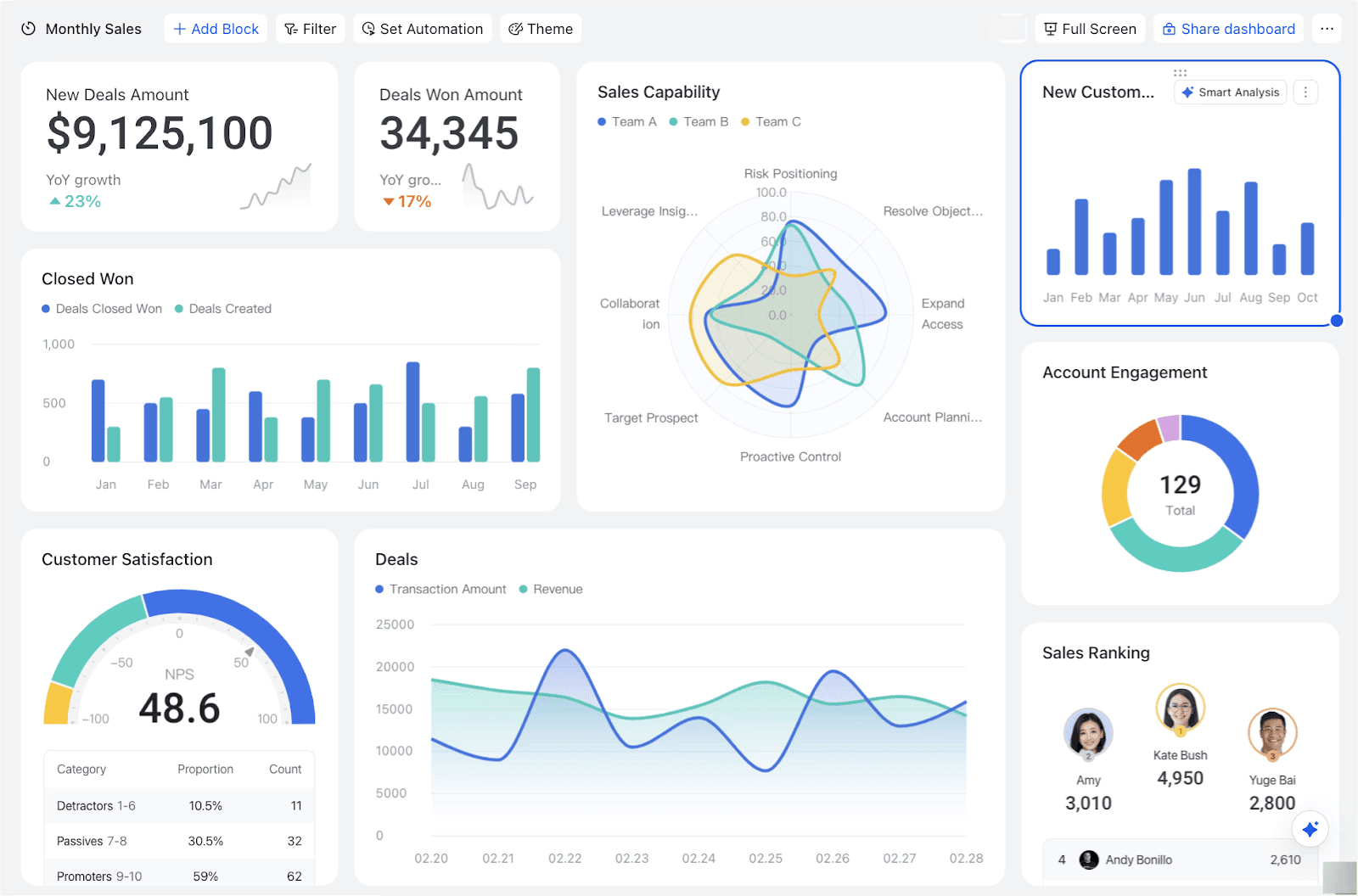
Here are a few ways this is already being used:
🧾 For Businesses
- Automatically respond to emails and route them to the right people
- Monitor systems and fix issues before anyone notices
- Generate reports, invoices, or documentation
- Manage social media posting and responses
🏠 For Individuals
- Plan trips including booking flights and hotels
- Organize your calendar and send reminders
- Research purchases and compare prices
- Help manage finances or subscriptions
🧑💻 For Tech Users (and MSPs like us)
- Deploy scripts across multiple machines
- Monitor networks and respond to alerts
- Automate onboarding for new users
- Run security scans and remediation
This is where things start to feel a little futuristic… because it kind of is.
⚖️ Pros and Cons (Let’s Be Real About It)
👍 The Good
- Saves a ton of time
- Handles repetitive tasks
- Works 24/7 without getting tired
- Can connect systems that normally don’t talk to each other
⚠️ The Not-So-Good
- Still makes mistakes
- Needs guardrails and oversight
- Can take actions you didn’t fully intend if configured poorly
- Raises questions about job roles and responsibilities
🔐 What This Means for Security

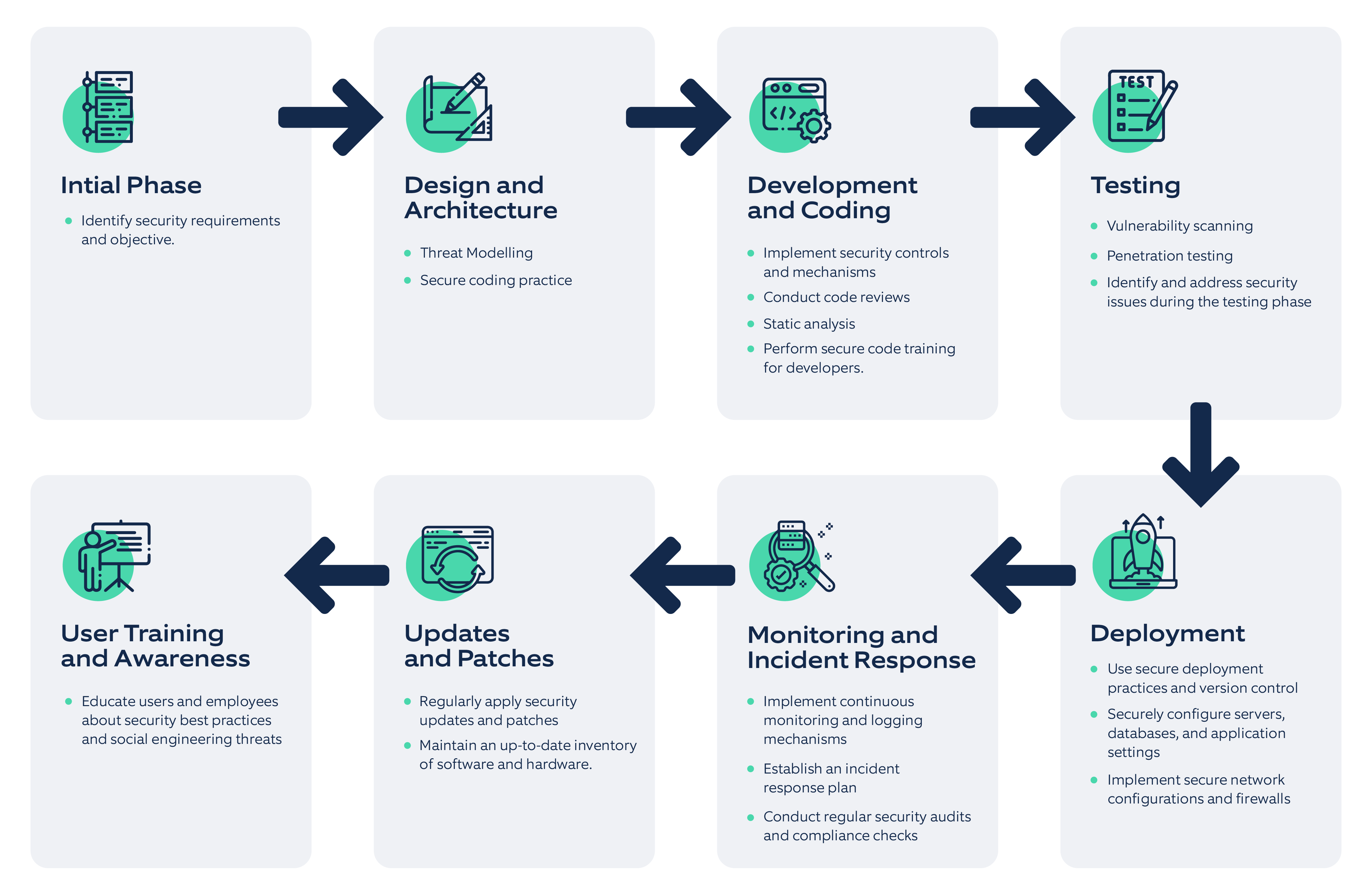

This is where things get serious.
🚨 The Risks
- AI agents could be tricked into doing harmful actions
- Bad actors can use AI agents to automate attacks
- Access permissions become even more critical
- One misconfigured agent could touch a lot of systems quickly
🛡️ The Opportunity
- AI can monitor threats faster than humans
- Automated response to suspicious activity
- Better detection of phishing and anomalies
- Stronger security posture when used correctly
Bottom line:
AI doesn’t replace security… it raises the stakes.
🎙️ A Practical Tip You Can Use Today (This One’s Actually Fun)
Let’s lighten things up a bit.
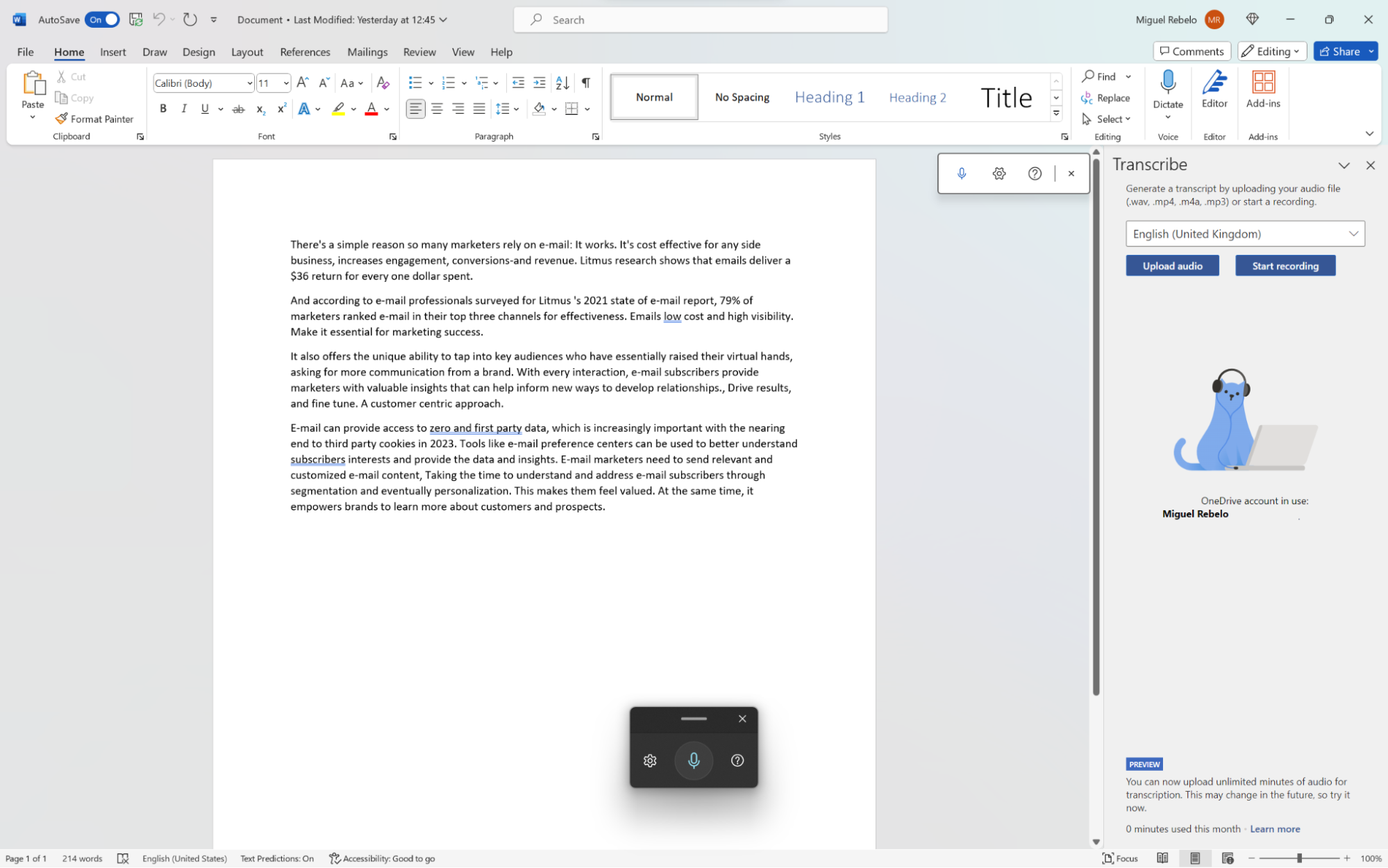
If you’ve ever tried Windows voice dictation… you know it’s rough.
Yes, you can press:
- Windows Key + H
…but most people give up on it pretty quickly.
✅ A Better Option: Handy
There’s a tool called Handy that’s honestly a game changer.
Here’s why it’s different:
- Runs locally on your computer
- Doesn’t send your voice to the cloud
- Much more accurate than built-in Windows dictation
- Works in any text field
🔧 How It Works
- Install Handy on your PC
- Set your hotkey (default is Ctrl + Spacebar)
- Click into any text field
- Hit the shortcut and start talking
That’s it. It just types what you say.
I’ll be honest…
After breaking my arm, this would have saved me a ton of frustration.
👉 You can check it out here:
https://github.com/theroyallab/handy
💡 Quick Takeaways
- Agentic AI = AI that does tasks, not just answers questions
- It’s already changing how businesses and individuals work
- There are real security concerns if it’s not managed properly
- You don’t have to wait to benefit… tools like Handy are useful right now
🔚 Wrap-Up
AI is moving fast. Faster than most people realize.
The shift from “chatting with AI” to “sending AI to do work” is a big deal, and we’re just getting started.
If you’re curious how this could apply to your business, or you want help setting things up safely, we’re here for you.
👉 Visit us at: https://darkhorseit.com
👉 Check out the weekly blog: https://kfgo.darkhorseit.com
👉 Watch us live Thursdays at 7:40am: https://www.facebook.com/darkhorseit
Whether it’s your home setup or your business network, DarkHorse IT helps with it all.
Liked this post? Follow this blog to get more.