 DarkHorse IT
Organizing Your Digital Life: Photos, Passwords & Storage
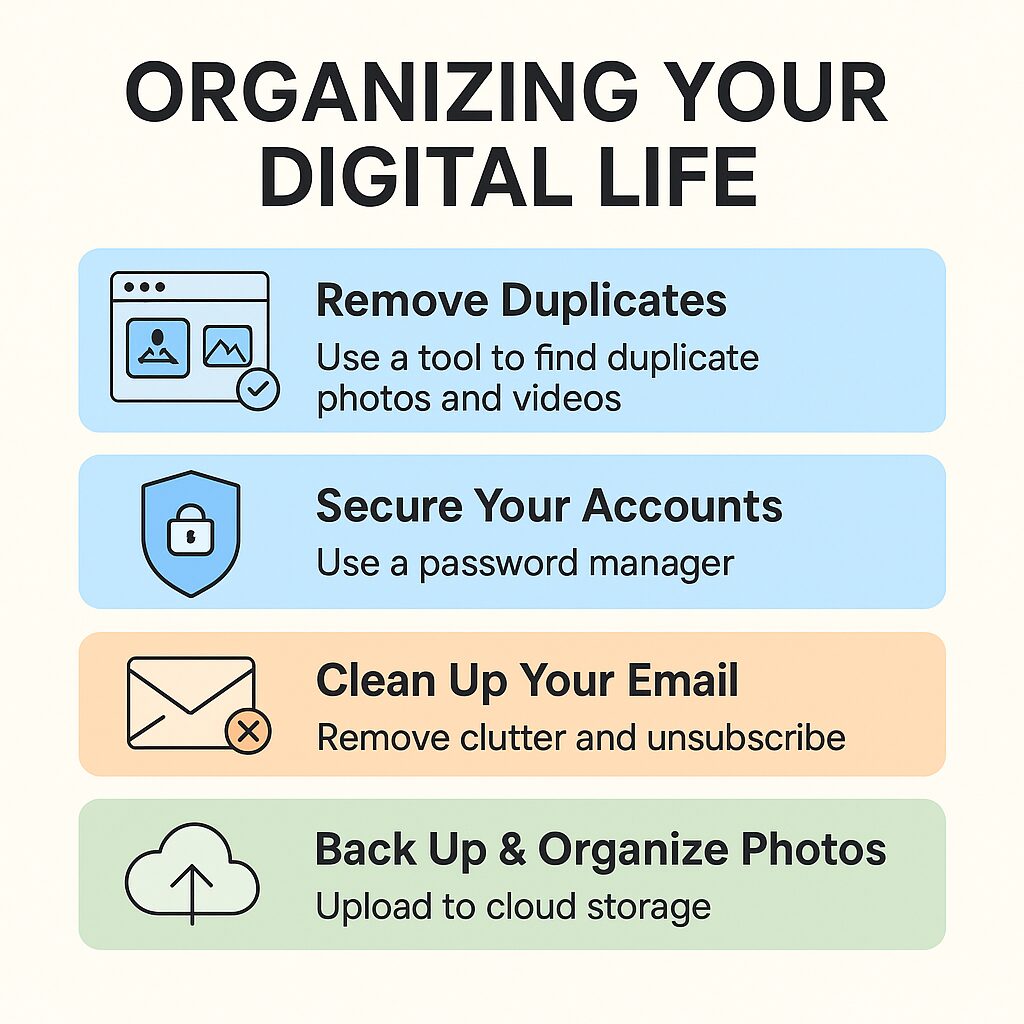
Each week on the KFGO Tech Segment, we talk about practical ways to make technology work for you — not against you. One of the biggest sources of tech frustration is digital clutter. Whether it’s thousands of unorganized photos, overflowing inboxes, or storage constantly running out, a little organization can make a huge difference.
This week, we’re breaking down simple, effective ways to clean up your digital life.
Remove Duplicate Photos and Videos
Duplicate photos and video files take up unnecessary space — especially videos, which can consume gigabytes quickly.
One tool we recommend is:
Free Duplicate Finder – Videos and Photos
🔗 Microsoft Store: https://apps.microsoft.com/detail/9pnnwb4tq5h0
This free, open-source tool scans your device, identifies exact duplicates, and lets you safely review before deleting.
Secure Your Digital Life With a Password Manager
A password manager is the foundation of good cybersecurity. It stores, generates, and fills in your passwords so you never reuse weak passwords.
At DarkHorse IT, we recommend:
Bitwarden (Free & Open Source)
🔗 https://bitwarden.com
We recently updated our full guide here:
🔗 https://kfgo.darkhorseit.com/an-in-depth-guide-to-setting-up-and-maximizing-bitwarden-for-individual-users/
Clean Up and Organize Your Email
Email clutter doesn’t slow your computer, but it can fill up your cloud storage — especially with Gmail’s 15 GB shared limit.
Here are fast cleanup strategies:
Use Gmail Search Filters
Learn them here:
🔗 Gmail search operators: https://support.google.com/mail/answer/7190
Unsubscribe Easily
Gmail and Outlook both provide one-click unsubscribe buttons.
Tools that automate inbox cleanup:
- Clean Email: https://clean.email
- Trimbox: https://trimbox.io
Find Out What’s Filling Your Hard Drive
If your computer is running out of space, use:
WinDirStat (Free Disk Usage Analyzer)
🔗 https://windirstat.net
This tool gives you a visual map of your storage, showing which files and folders are using the most space.
Back Up and Organize Your Photos
Once duplicates are removed, choose a cloud service to keep your photos safe and synced.
Google Photos
- Works on Android & iOS
- 15 GB free (shared with Gmail & Drive)
- Smart face/object recognition
- More storage via Google One
iCloud Photos
🔗 https://www.icloud.com/photos
- Best for Apple users
- Automatic syncing between devices
- 5 GB free
- Upgrade with iCloud+
Amazon Photos
🔗 https://www.amazon.com/photos
- Unlimited full-resolution photo storage for Prime members
- 5 GB for videos
- Family Vault for shared libraries
After choosing your service:
- Enable automatic backup on your phone
- Organize with albums or tags
- Keep at least one offline backup as well
Final Tips for a Cleaner Digital Life
- Use your password manager’s security reports
- Regularly empty trash in email & cloud storage
- Keep your devices updated
We’re Here to Help
DarkHorse IT helps both residential and business clients organize, secure, and simplify their digital world.
🔗 Website: https://darkhorseit.com
🔗 KFGO Blog: https://kfgo.darkhorseit.com
🔗 Facebook Live Thursdays 7:40am: https://www.facebook.com/darkhorseit
Liked this post? Follow this blog to get more.