
DarkHorse IT logo DarkHorse IT
Home KFGO Blog Support About Us Resources Residential Services Business Services

Test Your Website and Email Security in Seconds (New Free Tool)
March 12, 2026 · Email, IT Security
Test Your Website and Email Security in Seconds (New Free Tool) Introduction On this week’s KFGO tech segment, we’re talking about something that most business owners never think about until there’s a problem: the hidden security settings behind your website and business email. A website can look perfectly fine on the surface while still having security gaps that could affect your email reputation, your website security, or even how trustworthy your domain appears to other systems on the internet. So we built something to help. DarkHorse IT has launched a free security scanner that lets anyone check several important website and email security settings in just a few seconds. All you have to do is type in your domain name and the scanner will run several automated tests and explain the results in plain English. You can try it here: https://darkhorseitsecurity.com The goal is simple. Give business owners and everyday users an easy way to see what’s going on behind the scenes and learn what might need attention. Let’s break down what the scanner actually checks. Email Authentication (SPF, DKIM, and DMARC) One of the most important things the scanner checks is email authentication. This is what helps other mail systems determine whether an email that appears to come from your business is actually legitimate. There are three main technologies involved. SPF SPF is a DNS record that lists the servers allowed to send email on behalf of your domain. Our scanner checks if: An SPF record exists The record is configured safely It ends with a secure rule like -all The configuration exceeds the DNS lookup limit If SPF is misconfigured, scammers can sometimes spoof your domain, meaning they can send messages that appear to come from you. DMARC DMARC tells email providers what to do if an email fails authentication. Possible policies include: p=none – monitor only (weak protection) p=quarantine – suspicious email goes to spam p=reject – strongest protection Our scanner checks: If a DMARC policy exists Whether it’s set to monitor or actually enforce protection Whether reporting is configured so you can see authentication activity Many domains have no DMARC policy at all, which makes it easier for attackers to impersonate them. DKIM DKIM adds a cryptographic signature to outgoing email that proves it hasn’t been altered. The scanner looks for DKIM keys commonly used by services like Google Workspace and Microsoft 365. If DKIM is missing or misconfigured, email providers have less confidence that your messages are legitimate. SSL and Website Encryption When you visit a website and see the padlock icon, that means the site is using HTTPS with an SSL/TLS certificate. But certificates can expire or be configured poorly. Our scanner checks: When the certificate was issued When it expires Who issued the certificate Whether the website properly redirects HTTP to HTTPS Whether HSTS is enabled to enforce secure connections If a certificate expires, visitors may see scary browser warnings or the site may stop working properly. Website Security Headers This is one of the most overlooked parts of website security. Security headers are instructions your website sends to browsers that help prevent certain types of attacks. Our scanner checks for important headers such as: Strict-Transport-Security Content-Security-Policy X-Frame-Options X-Content-Type-Options Referrer-Policy Permissions-Policy Most people have never heard of these, but they can help prevent things like: clickjacking unsafe content loading data leakage The scanner simply shows whether these protections are present and explains what they do. Blacklist and Email Reputation Checks If your email server ends up on a blacklist, your messages may start landing in spam folders or not being delivered at all. The scanner checks the IP addresses used by your domain’s mail servers and compares them against several well-known spam blocklists. If a listing appears, it’s a signal that something may need investigation. Designed for Real People, Not Just IT Pros One of the biggest goals with this tool is education. Most security scanners throw a bunch of technical information at you and expect you to figure it out yourself. This scanner explains each result in plain English and provides guidance on what the issue means and how it might be fixed. You don’t have to be a cybersecurity expert to understand the results. Try It Yourself If you own a business website or even just a personal domain, it’s worth running a quick check. Just enter your domain and see how things look. Free Website Security Scanner: https://darkhorseitsecurity.com It only takes a few seconds, and the results can reveal things that might otherwise go unnoticed. Quick Security Tips Here are a few simple takeaways: Make sure your domain has SPF, DKIM, and DMARC configured Check that your website certificate isn’t close to expiring Use HTTPS everywhere Enable security headers on your website Monitor your domain’s email reputation Wrap-Up Security on the internet doesn’t have to be mysterious or overwhelming. Tools like this help make it easier to understand what’s happening behind the scenes and whether your website and email systems are configured properly. If the scan shows something that needs attention, DarkHorse IT is here to help with both business and residential IT support. You can learn more or reach out to us here: DarkHorse IT Website https://darkhorseit.com You can also follow along with the weekly tech segment and blog here: KFGO Tech Blog https://kfgo.darkhorseit.com And catch us live during the show on Facebook: DarkHorse IT Facebook Page https://www.facebook.com/darkhorseit

Introduction

On this week’s KFGO tech segment, we’re talking about something that most business owners never think about until there’s a problem: the hidden security settings behind your website and business email.

A website can look perfectly fine on the surface while still having security gaps that could affect your email reputation, your website security, or even how trustworthy your domain appears to other systems on the internet.

So we built something to help.

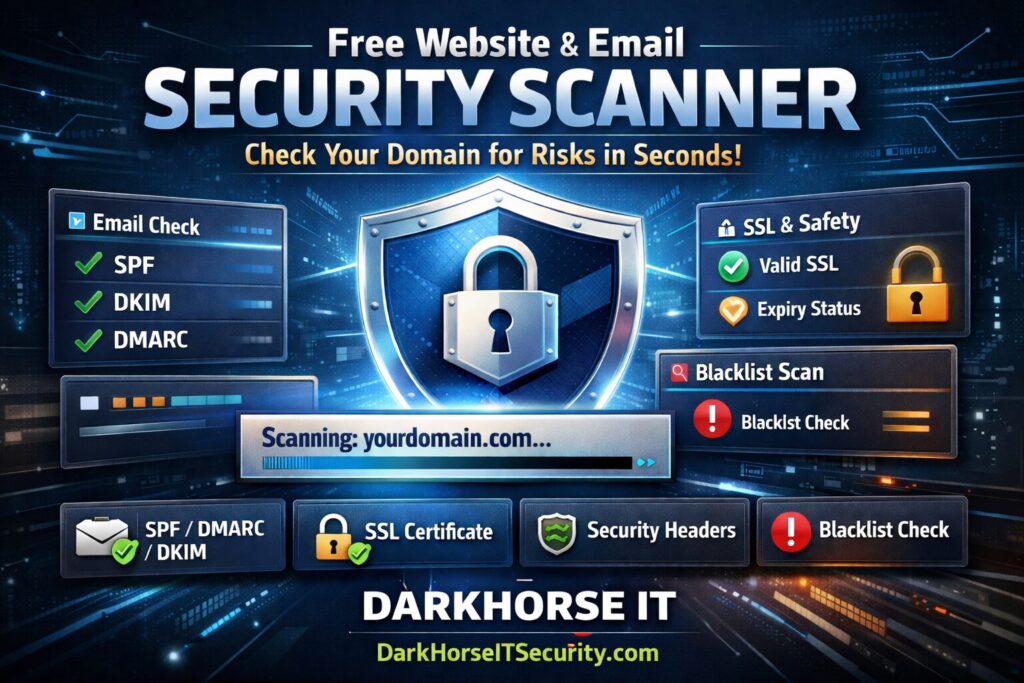
DarkHorse IT has launched a free security scanner that lets anyone check several important website and email security settings in just a few seconds. All you have to do is type in your domain name and the scanner will run several automated tests and explain the results in plain English.

You can try it here:

https://darkhorseitsecurity.com

The goal is simple. Give business owners and everyday users an easy way to see what’s going on behind the scenes and learn what might need attention.

Let’s break down what the scanner actually checks.


Email Authentication (SPF, DKIM, and DMARC)

One of the most important things the scanner checks is email authentication.

This is what helps other mail systems determine whether an email that appears to come from your business is actually legitimate.

There are three main technologies involved.

SPF

SPF is a DNS record that lists the servers allowed to send email on behalf of your domain.

Our scanner checks if:

  • An SPF record exists
  • The record is configured safely
  • It ends with a secure rule like -all
  • The configuration exceeds the DNS lookup limit

If SPF is misconfigured, scammers can sometimes spoof your domain, meaning they can send messages that appear to come from you.


DMARC

DMARC tells email providers what to do if an email fails authentication.

Possible policies include:

  • p=none – monitor only (weak protection)
  • p=quarantine – suspicious email goes to spam
  • p=reject – strongest protection

Our scanner checks:

  • If a DMARC policy exists
  • Whether it’s set to monitor or actually enforce protection
  • Whether reporting is configured so you can see authentication activity

Many domains have no DMARC policy at all, which makes it easier for attackers to impersonate them.


DKIM

DKIM adds a cryptographic signature to outgoing email that proves it hasn’t been altered.

The scanner looks for DKIM keys commonly used by services like Google Workspace and Microsoft 365.

If DKIM is missing or misconfigured, email providers have less confidence that your messages are legitimate.


SSL and Website Encryption

When you visit a website and see the padlock icon, that means the site is using HTTPS with an SSL/TLS certificate.

But certificates can expire or be configured poorly.

Our scanner checks:

  • When the certificate was issued
  • When it expires
  • Who issued the certificate
  • Whether the website properly redirects HTTP to HTTPS
  • Whether HSTS is enabled to enforce secure connections

If a certificate expires, visitors may see scary browser warnings or the site may stop working properly.


Website Security Headers

This is one of the most overlooked parts of website security.

Security headers are instructions your website sends to browsers that help prevent certain types of attacks.

Our scanner checks for important headers such as:

  • Strict-Transport-Security
  • Content-Security-Policy
  • X-Frame-Options
  • X-Content-Type-Options
  • Referrer-Policy
  • Permissions-Policy

Most people have never heard of these, but they can help prevent things like:

  • clickjacking
  • unsafe content loading
  • data leakage

The scanner simply shows whether these protections are present and explains what they do.


Blacklist and Email Reputation Checks

If your email server ends up on a blacklist, your messages may start landing in spam folders or not being delivered at all.

The scanner checks the IP addresses used by your domain’s mail servers and compares them against several well-known spam blocklists.

If a listing appears, it’s a signal that something may need investigation.


Designed for Real People, Not Just IT Pros

One of the biggest goals with this tool is education.

Most security scanners throw a bunch of technical information at you and expect you to figure it out yourself.

This scanner explains each result in plain English and provides guidance on what the issue means and how it might be fixed.

You don’t have to be a cybersecurity expert to understand the results.


Try It Yourself

If you own a business website or even just a personal domain, it’s worth running a quick check.

Just enter your domain and see how things look.

Free Website Security Scanner:
https://darkhorseitsecurity.com

It only takes a few seconds, and the results can reveal things that might otherwise go unnoticed.


Quick Security Tips

Here are a few simple takeaways:

  • Make sure your domain has SPF, DKIM, and DMARC configured
  • Check that your website certificate isn’t close to expiring
  • Use HTTPS everywhere
  • Enable security headers on your website
  • Monitor your domain’s email reputation

Wrap-Up

Security on the internet doesn’t have to be mysterious or overwhelming.

Tools like this help make it easier to understand what’s happening behind the scenes and whether your website and email systems are configured properly.

If the scan shows something that needs attention, DarkHorse IT is here to help with both business and residential IT support.

You can learn more or reach out to us here:

DarkHorse IT Website
https://darkhorseit.com

You can also follow along with the weekly tech segment and blog here:

KFGO Tech Blog
https://kfgo.darkhorseit.com

And catch us live during the show on Facebook:

DarkHorse IT Facebook Page
https://www.facebook.com/darkhorseit

Liked this post? Follow this blog to get more. 


Comments are closed.