
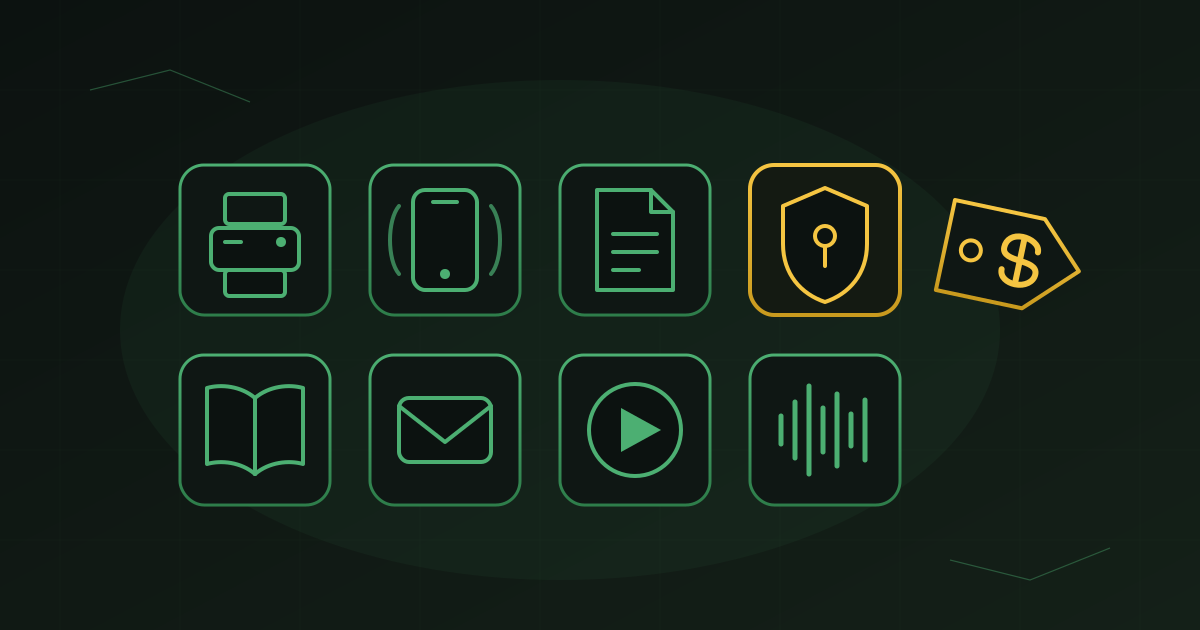
Every week I talk to people who are paying for something they could be getting for free. Not a stripped down trial version, not a bait and switch that turns into a subscription in thirty days. Free, as in it works, it keeps working, and nobody is going to call you about an invoice.
Some of these are commercial services with a genuinely useful free tier. Others are open source projects that have been quietly maintained for twenty years by people who just wanted the thing to exist. Here are eight I use and recommend.
1. FaxZero
Yes, faxing is still a thing. Insurance companies, medical offices, and county courthouses have not gotten the memo, and sooner or later somebody is going to ask you to fax something.
FaxZero lets you send a fax from your web browser. No account, no credit card, no fax machine, no phone line. You upload a PDF or a Word document, type in the fax number, and send. You get five free faxes a day to any US or Canada number, up to three pages plus a cover page.
The free version puts a small ad on that cover page. For a one off fax to your insurance company, who cares.
Best for: That one form somebody insists cannot be emailed.
2. Google Voice
This one surprises people. Google Voice is still around, and it is still free.
One thing to know before you click. If you are not signed in to a Google account, voice.google.com will show you the Google Workspace version, which is the paid business product with all the business pricing on the page. Sign in with your regular Gmail account first and you land on the free personal version instead.
Once you are in, you activate Google Voice and pick a phone number. Then you can make calls, receive calls, send and receive text messages, and get voicemail with transcripts. There is a free app for both iPhone and Android, so your second number rings right on the phone you already carry. There is a website too, which means you can text and call from your computer with a real keyboard instead of thumbing at your phone.
The use cases are everywhere. You want to hand out a number on Craigslist without giving out your real one. You are starting a side business and want a separate line before you commit to a phone system. You want your kid to have a number that rings on a tablet. You are tired of your personal cell being the number on every form you have ever filled out.
Best for: Anyone who needs a second number without a second phone bill.
3. LibreOffice
This is my favorite Microsoft Office alternative, and I have tried most of them.
LibreOffice is a full office suite. Writer for documents, Calc for spreadsheets, Impress for presentations. It opens and saves Word, Excel, and PowerPoint files, so you can trade documents with the rest of the world without anybody knowing the difference. It installs on Windows, Mac, and Linux, and it runs on old hardware just fine.
I am not going to tell you it is identical to Office, because it is not. But if you are a home user, a student, a retiree, or a small business owner writing letters and tracking a budget, you do not need to pay a monthly fee for the privilege of typing.
Best for: Anybody who looked at the Microsoft 365 renewal price and winced.
4. Bitwarden
If you take one thing from this list, take this one.
Bitwarden is a password manager. It generates strong, unique passwords for every account you have, stores them encrypted, and fills them in for you on your phone and your computer. The free tier gives you unlimited passwords across unlimited devices, which is more than several paid competitors offer.
Here is why I push this hard. The single most common way people get compromised is password reuse. You use the same password at a dozen sites, one of those sites gets breached, and now criminals have a working key to your email, your bank, and your business. A password manager ends that problem permanently.
If you want the step by step, we already wrote it up: how to set up Bitwarden.
Best for: Everyone. No exceptions.
5. Libby
Your library card is one of the most underused things in your wallet.
Libby is the app that connects to your local library and gives you free ebooks and audiobooks on your phone or tablet. Borrow it, read it or listen to it, and it returns itself when the loan is up. No late fees, no driving anywhere.
Depending on your library system, that same card may also get you free access to Consumer Reports, newspaper subscriptions, genealogy databases, and online learning platforms. It is worth ten minutes on your library’s website just to see what you already have access to.
Best for: Readers, commuters, and anyone with an Audible subscription they are not fully using.
6. Thunderbird
Thunderbird is a desktop email program from the Mozilla folks, the same people behind the Firefox browser. It handles email, contacts, and calendars, and it works with Gmail, Outlook.com, Yahoo, and just about any business email account.
If you like having your email in an actual program instead of a browser tab, and you do not want to pay for Outlook to get it, this is the answer. It pairs naturally with LibreOffice for people building a completely free desktop setup.
Best for: People who want their email organized in one place, offline and under their control.
7. VLC Media Player
VLC plays everything.
That is the whole pitch, and it is enough. Some video file downloaded from a security camera, an old DVD rip, a weird audio format from a client, a file your phone recorded that your computer refuses to open. VLC opens it. No codec packs, no nag screens, no upgrade prompts, no ads.
It has been around since the early 2000s and it is still the first thing I install on a new machine.
Best for: The video file that will not play.
8. Audacity
Audacity is free audio recording and editing software. Record a voice memo, clean up background noise, cut out the dead air, adjust levels, and export to MP3.
If you are recording a podcast, doing voiceover work, digitizing old cassettes or vinyl, or just trying to make a recording of a meeting listenable, this does the job. It is not fancy, and that is a feature. It has been the entry point for home audio work for two decades.
Best for: Podcasters, musicians, and anybody with a shoebox of old tapes.
The common thread
Notice something about this list. VLC, LibreOffice, Audacity, and Thunderbird have all been around longer than most of the subscriptions competing with them. These are not fly by night freebies. They are mature, stable software maintained by communities and nonprofits, and in several cases they will outlive the paid product you are currently renting.
Free does not mean worse. Sometimes it just means somebody built the thing because it needed to exist.
Where free is not the right answer
I would be doing you a disservice if I did not say this part.
For personal use, everything on this list is solid. For business use, some of it is not. FaxZero is not HIPAA compliant, so it does not belong anywhere near patient records. Google Voice is not built for a real business phone system with call routing and multiple extensions. LibreOffice can hit compatibility snags with complex Excel macros that a finance team depends on. And free software still needs somebody to patch it, back it up, and make sure it is configured correctly.
The rule I use with clients is simple. Free is great where the stakes are low and the need is occasional. When something is load bearing for your business, when it touches regulated data, or when downtime costs you money, that is when you pay for support and accountability.
If you are not sure which category you are in, that is a conversation worth having. Reach out to DarkHorse IT any time.
We talk through this kind of thing every week. Join us Thursdays at 7:40 AM on KFGO 790 AM.