 DarkHorse IT
Is Your Home Participating in Botnet Activity?
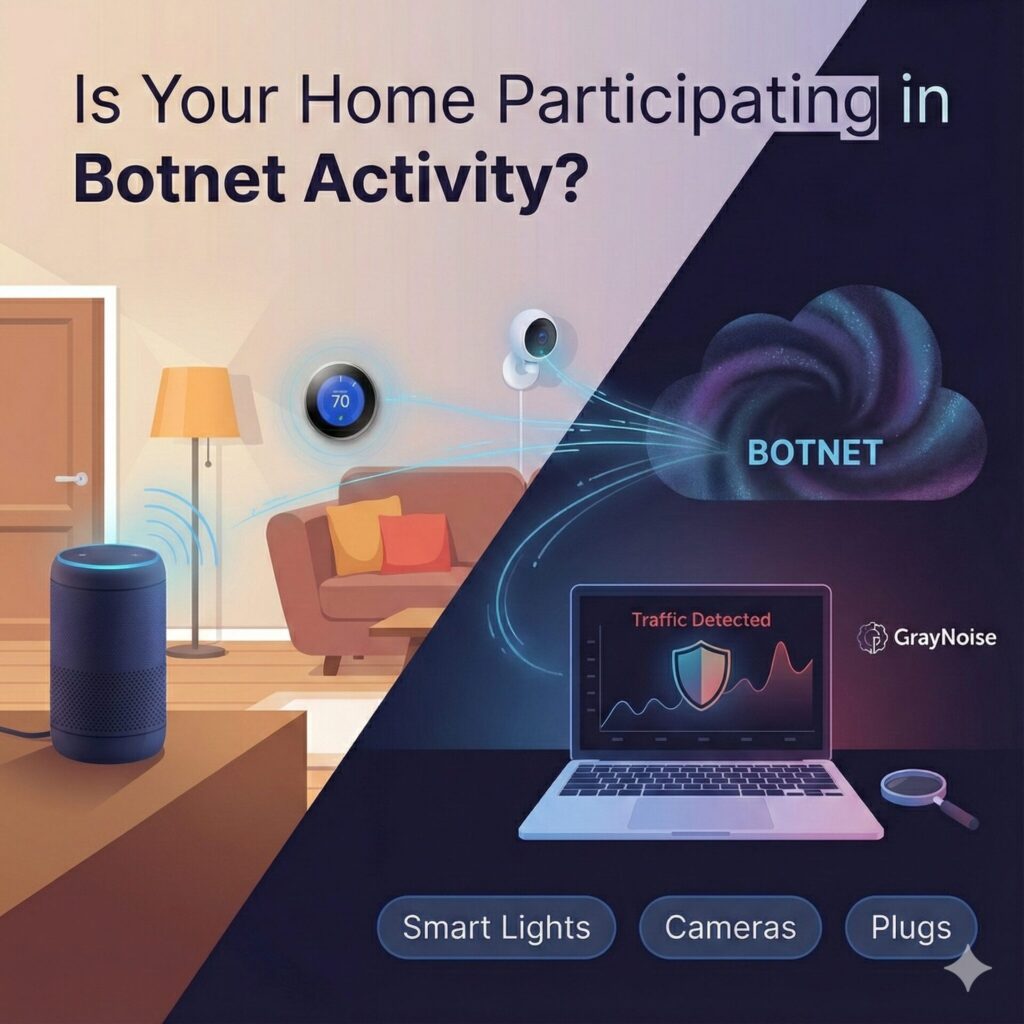
Every Thursday morning on KFGO we talk about practical tech tips that matter in everyday life. This week we dug into something most people never think about. Your home might be participating in a cyberattack without you knowing it.
That sounds dramatic, but it happens more often than you’d expect. So today we’re going to look at what botnets are, why they matter, how everyday smart gadgets can become part of one, and how you can check your own home network with a free tool called GrayNoise.
We’ll also cover a quick website security checker you can use for your business or personal site.
What Is a Botnet?
A botnet is a large group of infected devices controlled by an attacker. Think about all the internet connected gadgets in your home. Smart lights. Weather stations. Thermostats. Doorbell cameras. Even IP camera systems.
If one of these devices has a vulnerability or a weak password, it can be taken over and turned into a bot. When thousands or even millions of these devices are controlled together, they can be used for large scale attacks on companies and government systems.
These attacks are often sold as a service on the dark web. Someone pays in cryptocurrency, picks a target, and a flood of traffic is launched at that target to try to bring it offline. This is a denial of service attack, and many times the traffic comes from compromised devices sitting in homes like yours and mine.
How It Happens
Attackers look for:
• Weak or reused passwords
• Out of date firmware
• Internet connected devices exposed directly to the web
• Poor security settings from the manufacturer
Anything that connects to your home internet has the potential to be hijacked if it is not secured properly.
I even have a business grade firewall at home, and its botnet protection service has flagged devices on my own network in the past. Those issues have been corrected, but it is a good reminder that no one is immune.
How to Check if Your IP Has Participated in an Attack
GrayNoise is a company that operates sensors across the internet. They monitor attack traffic and categorize where it is coming from. They built a database that lets you check your own public IP address to see if it has appeared in botnet activity.
You can check yours here:
https://check.labs.greynoise.io/
If your IP shows up, it does not always mean your home is compromised, but it does mean it is worth taking a closer look.
How to Protect Your Home Network
1. Use a Guest Network for Smart Devices
Most modern routers have a guest Wi-Fi feature. Create a separate network and put all smart devices on it. Smart lights. Cameras. Plugs. Thermostats. Anything that does not need access to the rest of your devices.
This keeps your computers and phones isolated from devices that are more vulnerable.
2. Update Everything
Firmware updates often fix security problems. Your smart home devices need updates just like your computer.
3. Change Default Passwords
Never keep the password your device came with. Create something unique.
4. Use a Firewall with Botnet Protection
Some routers offer this as an optional feature. It helps block communication with known malicious servers.
Bonus Tool: Check the Security of Your Website
If you run a small business or manage your own website, it is a good idea to check it for malware and vulnerabilities. There are many websites out there today that unknowingly host malicious code and pass it on to visitors.
Sucuri provides a free scanner that will check your site and offer security tips.
Website Security Check
https://sitecheck.sucuri.net/
Wrap Up
Botnet activity can happen quietly in the background without any signs that something is wrong. A few quick steps can lower the risk in your home and help you keep your devices safe.
If you want help securing your home or business network, DarkHorse IT is here to help. From firewalls to device hardening to website protection, we work with clients of all sizes.
Visit our site any time:
https://darkhorseit.com
And follow the weekly KFGO show blog:
https://kfgo.darkhorseit.com
Join us live every Thursday at 7:40 AM on Facebook Live:
https://www.facebook.com/darkhorseit
Liked this post? Follow this blog to get more.