
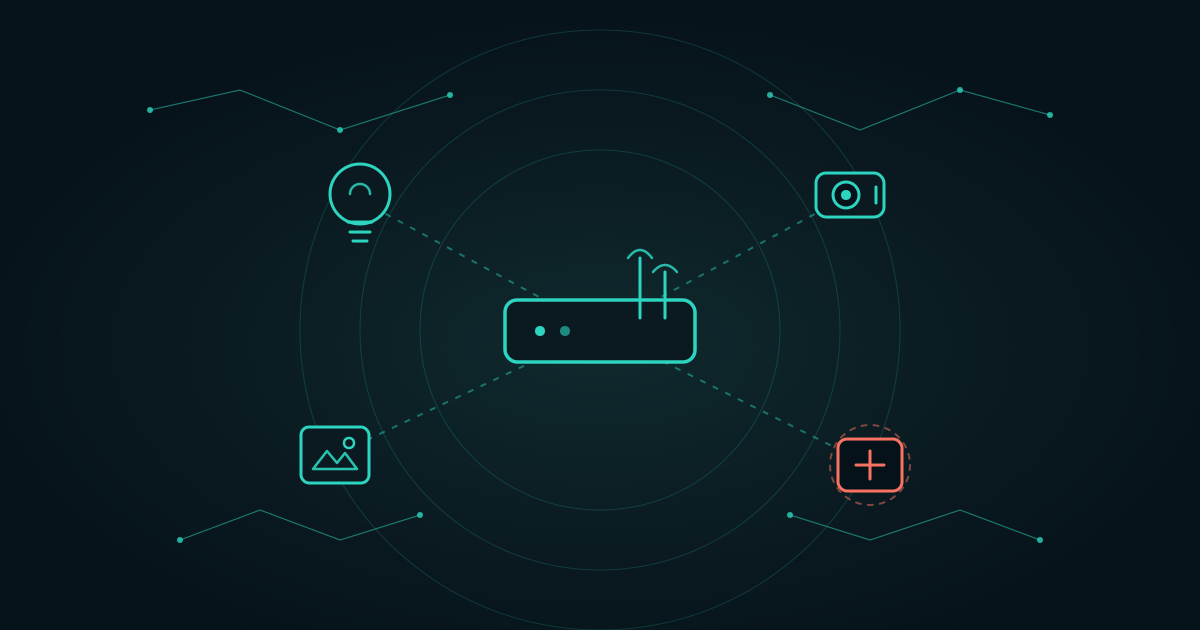
I was listening to this week’s Security Now podcast with Leo Laporte and Steve Gibson, and they brought up something that stuck with me: there are hundreds of millions of IoT devices in use right now. IoT stands for the “Internet of Things,” which is just a fancy way of describing all the everyday gadgets that quietly connect to the internet. Weather stations, digital picture frames, smart light bulbs, cameras, doorbells, the works.
We’ve talked about this on the show before, but the concern keeps growing, and honestly it seems to be getting worse as more of these devices flood the market.
The Part That Should Worry You
Here’s what they dug into. Some of these devices may be intentionally designed to create proxy networks inside your home or business.
A proxy network is a way for someone to route their internet traffic through your connection, so it looks like it’s coming from a regular U.S. home instead of wherever it really originated. The claim is that certain manufacturers, particularly some operating in China, may be using cheap internet-connected gadgets as a strategy to get a quiet foothold inside U.S. networks. Your smart bulb becomes a doorway, and the traffic flowing through it gets to wear your address.
Masking someone’s location is only the start. A device that’s compromised, or built with questionable software in the first place, can do more than relay traffic. It may be able to watch the data moving across your network, collect information, and phone home to a remote server. In some cases it could spot unencrypted information passing by, things like passwords or other sensitive data. More advanced threats could even try to move sideways through your network and reach your other devices.
And there’s a money angle that explains why this keeps happening. A smart picture frame selling for twenty dollars, or a pack of smart bulbs for thirty, may look like a bargain. But the real profit might not be the device at all. It might be software baked inside that quietly enrolls the gadget into a larger proxy network, which then gets rented out to whoever is willing to pay, foreign actors, cybercriminals, or otherwise. The device isn’t the product. Your internet connection is.
So What Can We Actually Do?
The good news is that you don’t have to throw out every gadget you own. You just have to keep them in their own sandbox.
Most modern routers include a built-in guest network feature, and in some cases it’s already sitting there waiting to be switched on. If you’re not sure how to reach yours, you can usually find step-by-step instructions online for your specific router model, and the login details are often printed on a label right on the router itself.
Once you’re logged in:
- Turn on the guest network.
- Look for a setting called “Client Isolation” or “Guest Isolation” and enable it. This stops devices on that network from talking to each other.
- Move your smart gadgets onto it. Bulbs, cameras, picture frames, thermostats, and the rest go on the guest network instead of your main one.
That single change keeps your smart bulb from being able to reach your laptop, your phone, or your work files. If the gadget turns out to be compromised, it’s stuck in a room with no doors into the rest of your house.
A Note on Wired Gadgets
Devices plugged in with an ethernet cable are a different story, because they usually don’t ride on the guest Wi-Fi network. For those, real separation means setting up VLANs or separate network zones, which split your wired network into walled-off sections.
This is more involved than flipping on a guest network, and it’s the kind of thing that’s worth getting right. Some business-grade firewalls also include botnet detection and outbound traffic monitoring, which can flag a device that’s quietly chattering with a server it has no business talking to. Most home setups run consumer-grade routers without those features, though, which means the job of watching the front door falls to you.
My Rule of Thumb
Even with good network isolation, there’s still a bigger question worth sitting with. If a device is enrolled in a proxy network, it may be handing your connection to third parties no matter how neatly you’ve walled it off from your other gear.
So my rule is simple: if an internet connection doesn’t add real value to a device, don’t connect it. Not everything needs to be online. A picture frame can show pictures without phoning the other side of the planet. A light can turn on without an app.
I’ve already started pulling unnecessary connected devices out of my own home. Every one I unplug from the internet is one less door, one less thing watching, one less ticket in the drawing. The fewer devices you connect, the smaller your attack surface, and the lower your risk.
If you’re not sure what’s connected on your network or what those devices are really doing, that’s exactly the kind of thing we look at. DarkHorse IT can help you sort the useful from the risky and get the rest safely walled off. And catch us every Thursday at 7:40 AM on KFGO 790 AM, where we break this stuff down in plain English.