
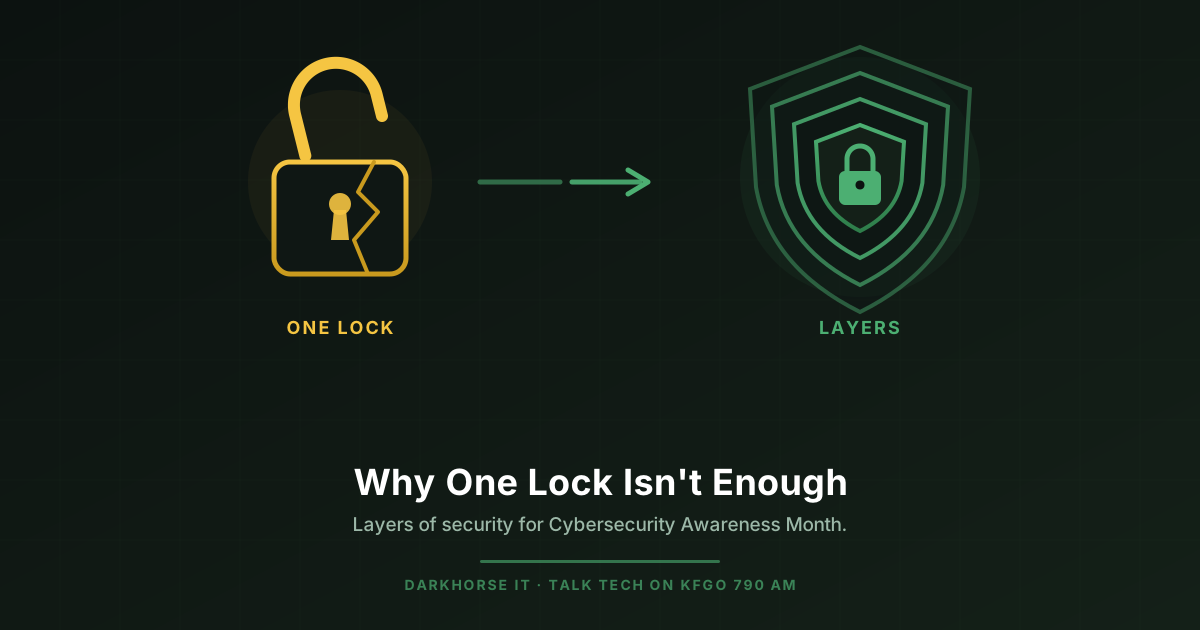
October is Cybersecurity Awareness Month, and I want to talk about one idea that could save you from disaster: layers of security. The fancy term is defense in depth, but the idea is simple. One security measure is never enough. You have to think about what stops the threat when that first measure fails.
Think About Your House
Nobody protects their home with just the lock on the doorknob. You have a deadbolt. Maybe a camera. Outdoor lights that come on at night. A dog that barks at strangers. And a safe inside for the things that matter most.
Each of those layers is there for one reason: in case the layer before it fails. If someone picks the lock, the deadbolt slows them down. If they get past that, the camera catches them. And even if they make it inside, the valuables are locked away.
Your digital life should work exactly the same way.
How the Layers Catch a Threat
Let’s walk through something that happens to people every single day: a fake email. Say it looks like it’s from your bank, and it wants you to click a link and log in.
Here’s how layers of security give that threat chance after chance to fail instead of just one.
- The spam filter. A good email filter should catch most of these before they ever reach your inbox. That’s your first line.
- You. If one slips through, you catch it by knowing the warning signs. A greeting like “Dear Customer,” a sense of urgency, odd spelling, or a web address that isn’t quite right.
- Your security software. If you click anyway, up-to-date protection on your computer or phone can block the bad stuff from installing.
- Your backups. And if everything else fails, a recent backup of your files means you can recover without paying a criminal to get your own photos and documents back.
No single layer is perfect, and that’s the whole point. Stacked together, they turn one chance to fail into four.
The Question Worth Asking
Most people ask, “Am I protected?” It feels like the right question, but it has no good answer, because no single tool or product can make you safe on its own.
Here’s a better one: “If this one thing fails, what’s my next line of defense?” Ask it about your email, your passwords, your computer, your phone, your files. If the honest answer is “nothing,” you’ve just found the gap worth closing.
One Layer People Forget: Keep Your Software Current
Here’s a timely one. Microsoft Office 2021 stops getting support on October 13, 2026. That’s just days away.
When software stops getting updates, it stops being a layer of protection and quietly turns into an open door. The company that makes it is no longer fixing the holes criminals find. If you’re still running Office 2021, or any program that’s no longer supported, one of your layers has gone missing without you noticing.
Keeping your software up to date is one of the easiest layers to maintain, and one of the most important. Turn on automatic updates where you can, and don’t ignore those update reminders.
The Bottom Line
Security isn’t a single product you buy once and forget. It’s a stack of defenses that back each other up, so that when one fails, the next one is standing right behind it. Build your layers, keep them current, and always know what catches the threat when the first thing slips.
Start with the basics this month: turn on automatic updates, use strong and different passwords, turn on that extra text-message or app code when a website offers it, and make sure your important files are backed up somewhere safe.
If you’d like a hand figuring out where your layers stand, that’s exactly what we do. Give DarkHorse IT a call at 701-660-0909, and we’ll help you find the gaps before someone else does.
DarkHorse IT. IT Done Right.