
I do a lot of work at people’s houses and small offices, and there is a moment that keeps repeating. I sit down at somebody’s computer, they tell me the internet has been slow and full of pop ups, and I look at the top of the screen and they are not using the browser they think they are.
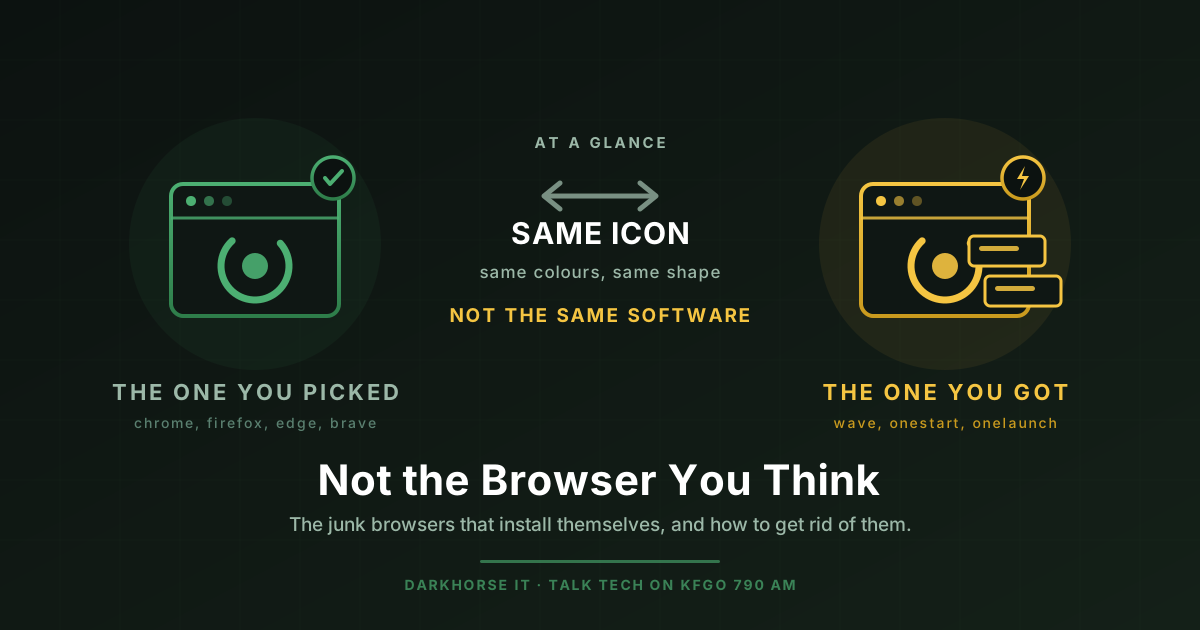
They tell me they use Edge. What is actually open is something called Wave. Or OneStart. Or the whole screen is wrapped in something called OneLaunch. They have been using it for months. Their bookmarks are there, their email loads, everything mostly works, so nothing ever told them anything changed.
When I point it out, the reaction is almost always the same. “I never installed that.”
They are usually right. Not in the way they mean, but close enough.
These are not fake browsers, and that matters
It is tempting to call these things fake browsers, but that is not quite what they are, and the distinction is the whole reason people fall for them.
Nearly all of them are built on Chromium, which is the same open source engine underneath Google Chrome and Microsoft Edge. So the browser part is real. Pages load. Your Gmail works. It looks and behaves close enough to normal that nothing feels broken.
What is wrapped around that browser is the problem. The industry has a name for this category: a potentially unwanted program, usually shortened to PUP. Crapware, adware, junkware, whatever you want to call it. The software is not technically a virus, it will not encrypt your files and demand a ransom, and that is exactly why it survives. It lives in the gap between “clearly malicious” and “something you actually chose.”
What it does instead is show you ads that did not come from the website you are on, change your search engine so your searches route through somebody who gets paid for them, set itself as your default browser, and start itself up every time you boot.
The ones I run into most
Here are the names I see in the field. Each of these has a published detection entry with Malwarebytes, which is a reasonable neutral source when somebody wants to look it up themselves rather than take my word for it.
Wave Browser. The one I find most often. Malwarebytes classifies it as PUP.Optional.Wave and notes that it gets “spread through distribution channels that install the browser without user consent.” Its icon is a blue swoosh. Sitting in a taskbar at normal size, glanced at rather than studied, it reads as Edge. That is not an accident.
OneStart. Detected as PUP.Optional.OneStart. This one leans on Chrome’s look instead, to the point that removal guides describe it as misleading people into thinking it is Chrome. It gets bundled into other installers and shows ads that did not come from the site you are visiting.
OneLaunch. Detected as PUP.Optional.OneLaunch. This one is more ambitious. It installs a dock across the top of your screen along with its own Chromium browser, then routes links you click into that browser instead of the one you picked. It is the one clients most often describe as “my computer looks different.”
OneBrowser. Detected as PUP.Optional.OneBrowser. Same family of behavior, less common in my experience, worth knowing by name.
The list is longer than these four and it changes constantly, because when one name gets a bad reputation the same code shows up under a new one. Do not memorize the list. Learn the shape of the thing instead.
How it gets on there in the first place
Two ways, and neither one requires you to do anything careless.
The first is bundling. You went looking for something legitimate, a PDF viewer, a driver update, a video converter, a free game. You got it from a download site rather than the maker’s own website. The installer had a screen with a pre checked box on it, and clicking Next quickly, which is what everybody does, said yes to a second piece of software you never wanted.
The second is the fake download button. You searched for a program, landed on a page covered in ads, and the biggest greenest DOWNLOAD button on the screen was an advertisement rather than the actual file. We have written before about how convincing this stuff has gotten: how to spot a scam in the age of AI and the ClickFix trick and three habits that stop it.
Both routes have the same root cause. You were exposed to a deceptive ad, and the ad worked. Hold that thought, because it is where Brave comes back in at the end.
How to tell what you are actually using
This takes about fifteen seconds.
Look at the icon you click to get online, and look at the name next to it. Then, in whatever opens, find the menu and click Help, then About. Every legitimate browser will tell you plainly what it is and what version it is on. If the name that comes back is not Chrome, Firefox, Edge, Safari, or Brave, that is your answer.
The other tell is the search bar. If you type a search and land somewhere that is not the search engine you expected, with results that look slightly off and heavy on ads, something is sitting in the middle of that transaction.
Getting rid of it
On Windows, open Settings, go to Apps, then Installed apps. Sort by install date if you can, because these things usually arrive with company. Find the browser by name, click the three dots, and choose Uninstall. Then look at everything else that installed the same day, because whatever bundled it probably brought more than one passenger.
Two steps people skip, and both matter.
First, check what starts with your computer. Open Task Manager with Ctrl+Shift+Esc, go to the Startup apps tab, and disable anything you do not recognize. These programs are built to come back, and startup entries are how they do it.
Second, set your default browser again. Settings, Apps, Default browser. Uninstalling the unwanted one does not automatically hand the keys back to the browser you actually want, and if you skip this your links can keep opening somewhere strange.
If it will not uninstall, if it reappears after a reboot, or if you are just not sure you got all of it, that is a reasonable thing to hand to somebody else. Reinstalling a browser is easy. Cleaning up a machine that has been collecting this stuff for two years is a different job.
The real browsers
There are not that many, and this is the part most people have never had explained to them. A browser is just the program that shows you the internet, several companies make one, and you get to choose.
The legitimate options are Google Chrome, Mozilla Firefox, Microsoft Edge, Apple’s Safari if you are on a Mac or iPhone, and Brave. All of them are made by real companies, all of them get security updates, and none of them are going to install themselves behind your back.
Which of those I would actually recommend is a separate conversation, and we have had it already: the best browsers for security in 2026.
Why I keep recommending Brave
My answer has not changed, and this topic is a good illustration of why.
Brave is built on Chromium, so it looks and feels like Chrome and runs the same extensions. The difference is what it does the moment you install it, with no configuration from you at all.
Out of the box, Brave Shields blocks third party ads, cross site trackers, third party cookies, and bounce tracking redirects. That is the default state, not a setting you go hunting for. It also randomizes your browser fingerprint, which is worth explaining, because fingerprinting is the tracking method most people have never heard of. Sites can identify you by the specific combination of your screen size, fonts, graphics hardware, and dozens of other small details, even with cookies cleared. Brave shifts those values slightly for each site and each session, so you look like a different visitor every time instead of the same identifiable person following a trail around the internet.
That is the privacy argument, and it is a good one. But here is the security argument, which is the one that ties this whole post together.
The most common way people end up with Wave or OneStart on their computer is a deceptive ad. A fake download button, a pop up telling them their computer is infected, a sponsored result that is not what it appears to be. Brave blocks most of that class of thing before it ever renders on your screen. You cannot click the fake download button if the fake download button never loads.
Most security advice asks you to be more careful, which works right up until the day you are tired or in a hurry. This is the other kind of fix. It removes the exposure instead of asking you to out think it every single time.
The short version
If somebody put a browser on your computer without asking, take it off, put a real one back, and set it as your default. If you want to stop having this conversation every couple of years, use a browser that blocks the ads that start the whole cycle.
And if you sit down at your computer tonight, click Help and then About, and find out you have been using something you never chose, you are not careless. That software was designed specifically so you would not notice. Reach out to DarkHorse IT any time and we will get it sorted out.
We talk through this kind of thing every week. Join us Thursdays at 7:40 AM on KFGO 790 AM.